Dynamic Diagram — C4 Model
Dynamic Diagram
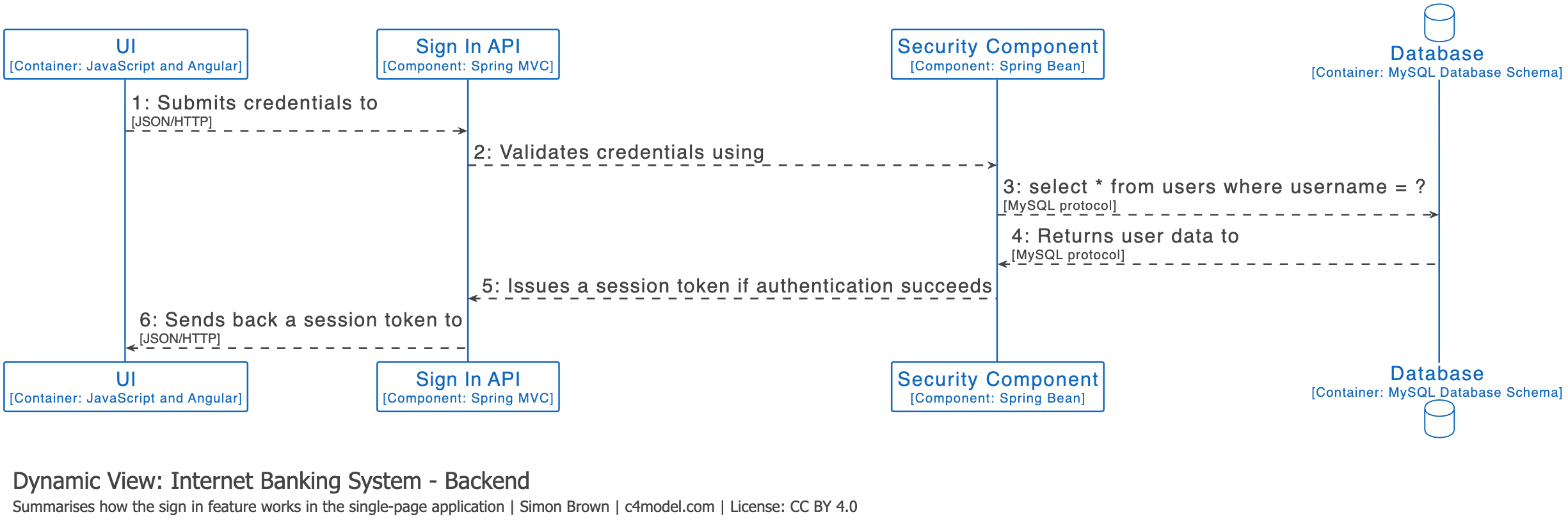
A dynamic diagram can be useful when you want to show how elements in the static model collaborate at runtime to implement a user story, use case, feature, etc. This dynamic diagram is based upon a UML communication diagram (previously known as a «UML collaboration diagram»). It is similar to a UML sequence diagram although it allows a free-form arrangement of diagram elements with numbered interactions to indicate ordering.
Example (Collaboration Style)

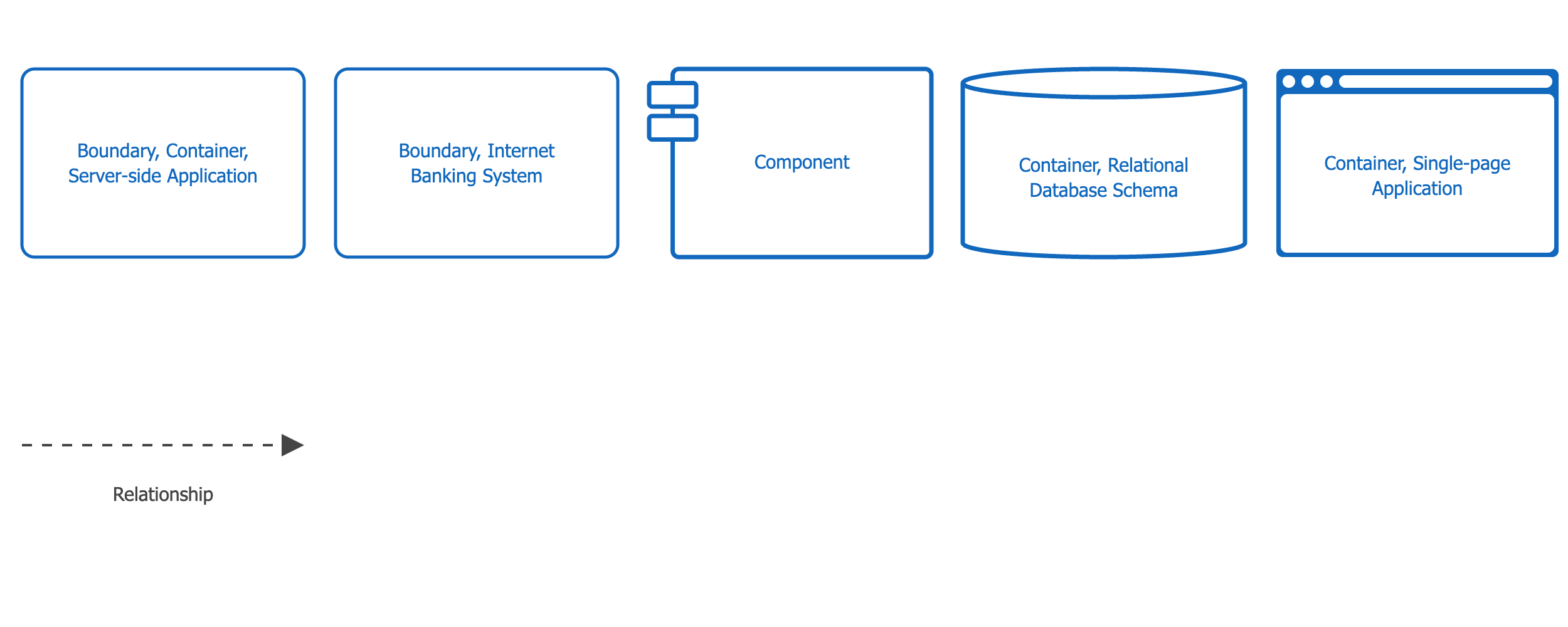
Diagram Key
Example (Sequence Style)
Scope
A particular feature, story, use case, etc.
Primary and Supporting Elements
Your choice — you can show software systems, containers, or components interacting at runtime.
Intended Audience
Technical and non-technical people, inside and outside the software development team.
Recommended?
No, dynamic diagrams should be used sparingly to show interesting/recurring patterns or features that require a complicated set of interactions.
Notes
The collaboration and sequence styles show the same information in a different way, so feel free to use whichever you prefer.
Содержимое основано на c4model.com и лицензировано под Creative Commons Attribution 4.0 International License.